Online Stopwatch / Timer
Online Stopwatch
Countdown Timer
How to Use the Stopwatch and Countdown Timer
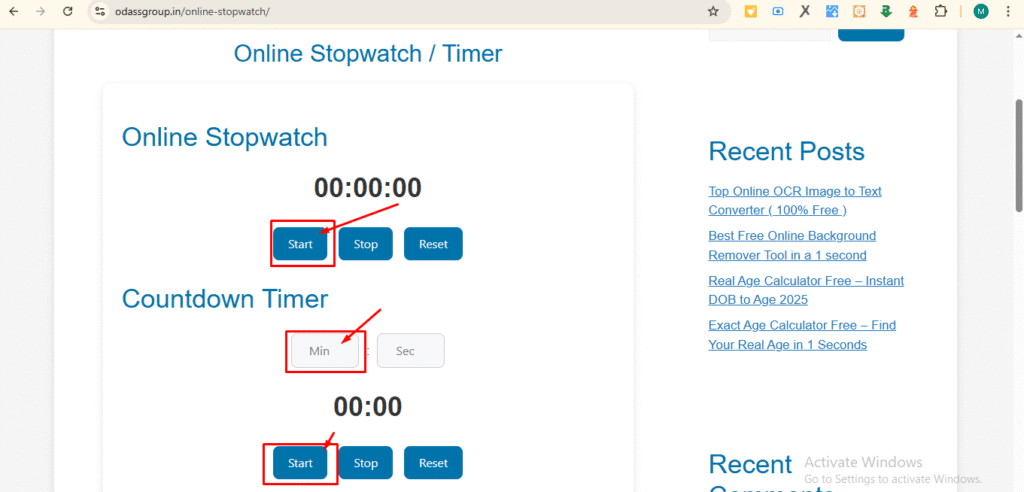
The Online Stopwatch and Timer are easy-to-use tools for managing your time efficiently. Here’s how to get started:
- Click Start on the Stopwatch to begin counting elapsed time.
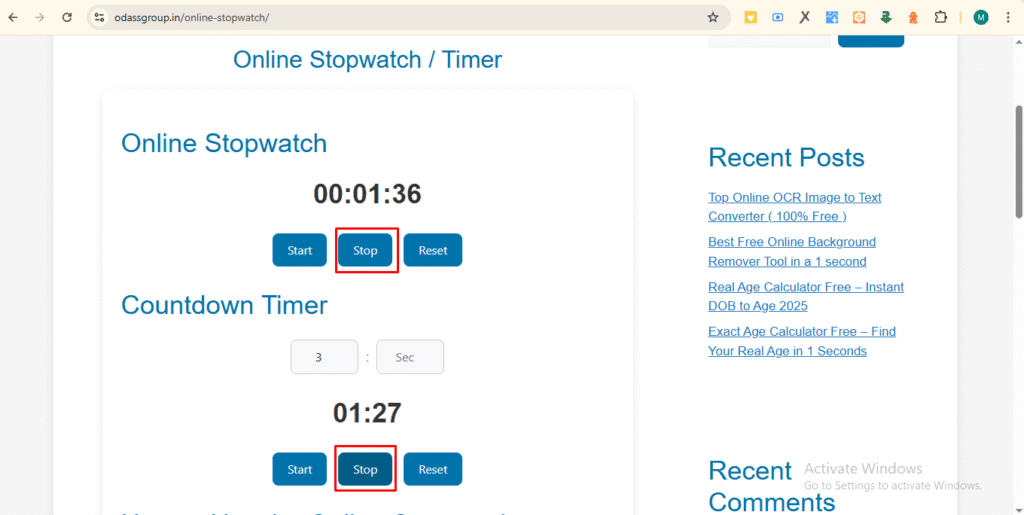
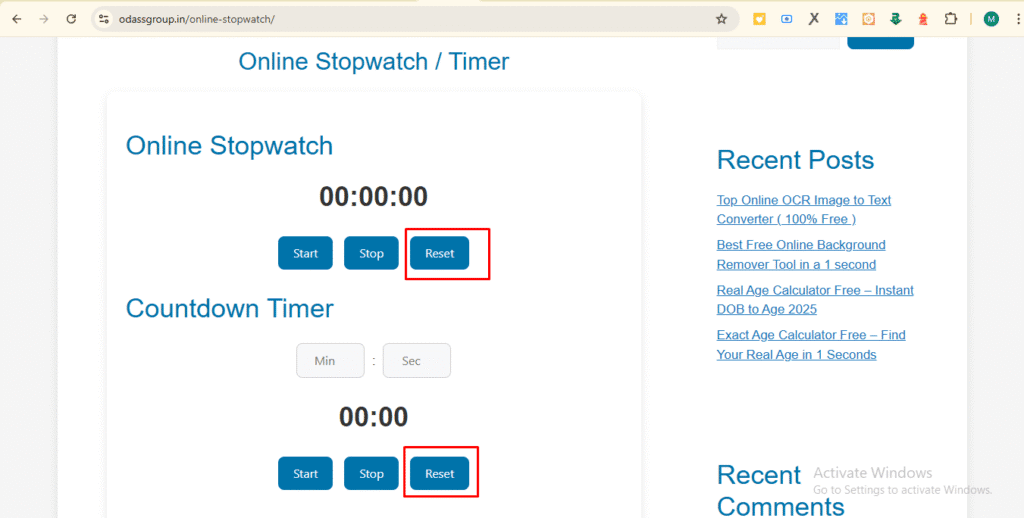
- Use Stop to pause the Stopwatch, and Reset to clear all timing data.
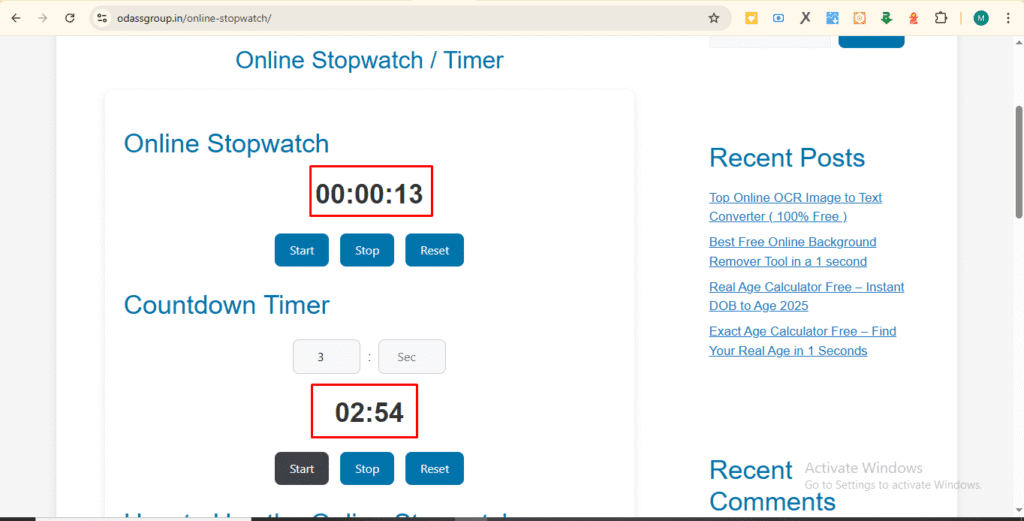
- For the timer, input your desired minutes and seconds, then click Start to countdown.
- Both tools are fully browser-based, so there’s no need for downloads or installation.
- You can operate the Stopwatch and the timer at the same time for multitasking purposes.
- The Stopwatch interface adapts to mobile devices, tablets, and desktop screens, providing a seamless experience.
FAQs About the Stopwatch
Q1: Is the Stopwatch free?
Yes, the Stopwatch is completely free to use. You don’t need to register or pay any fees to access it.
Q2: Does the Stopwatch work offline?
Once the page is fully loaded, the Stopwatch works offline. Internet connection is only required to initially access the tool.
Q3: Can I run the Stopwatch and timer simultaneously?
Yes, both tools are independent. You can track elapsed time while a countdown timer runs.
Q4: How accurate is the Stopwatch?
The Stopwatch is precise for everyday tasks, workouts, meetings, and study sessions. It updates every second for consistent timing.
Q5: Can I set a custom alert with the Stopwatch?
The timer feature has a default alert that pops up when the countdown finishes. Currently, the Stopwatch itself does not have a custom alert, but you can integrate it with other browser notifications.
Q6: Will my timing data be saved if I refresh the page?
No. Refreshing the page resets both the Stopwatch and the timer. Use manual logging for long-term tracking.
Q7: Is the Stopwatch suitable for professional use?
Yes, it is widely used for professional purposes like project tracking, study sessions, and workout monitoring.
Q8: Is the Stopwatch safe to use?
Absolutely. The tool runs entirely in your browser without collecting personal data.
Q9: Can I adjust the timer while it’s running?
Yes, stop the timer, adjust the minutes and seconds, and restart. This allows flexible time management.
Q10: Can I use the Stopwatch on mobile?
Yes. The Stopwatch is fully responsive and works on smartphones, tablets, and desktop browsers.
Q11: Can I use the Stopwatch for workouts?
Definitely. The Stopwatch is excellent for interval training, running sessions, and other fitness activities.
Q12: Can I use the Online Stopwatch for studying?
Yes. Many users rely on the Online Stopwatch for Pomodoro study sessions, timed exams, or focus intervals.
Q13: How do I reset the Online Stopwatch?
Simply click the Reset button to clear all time. The timer can also be reset separately.
Q14: Is the Stopwatch compatible with all browsers?
Yes, it works perfectly on modern browsers such as Chrome, Firefox, Safari, Edge, and mobile browsers.
Q15: Can I use the Online Stopwatch for cooking?
Absolutely. Set a timer for cooking or baking tasks and use the Online Stopwatch to track elapsed preparation times.
Q16: Can I log lap times with the Online Stopwatch?
Currently, lap times are not available. Future versions may include lap timing functionality.
Q17: Does the Online Stopwatch use system resources?
Minimal. It runs entirely in the browser and does not consume significant system memory or CPU.
Q18: Can I use the Online Stopwatch for meetings?
Yes, it is ideal for keeping track of meeting durations and ensuring discussions stay on schedule.
Q19: Is the Online Stopwatch suitable for kids?
Yes, children can use the Online Stopwatch for games, study routines, or timed challenges safely.
Q20: How can I provide feedback about the Online Stopwatch?
You can contact the developer via the website. Suggestions for features like sound alerts, lap timers, or improved mobile interfaces are always welcome.